The office suite you buy once.
Write, Sheets, Slides and PDF in one app, for your Mac and the web. $24.99 one time, a lifetime licence and free updates. No subscription for the apps.
Buy once, free updates for life.
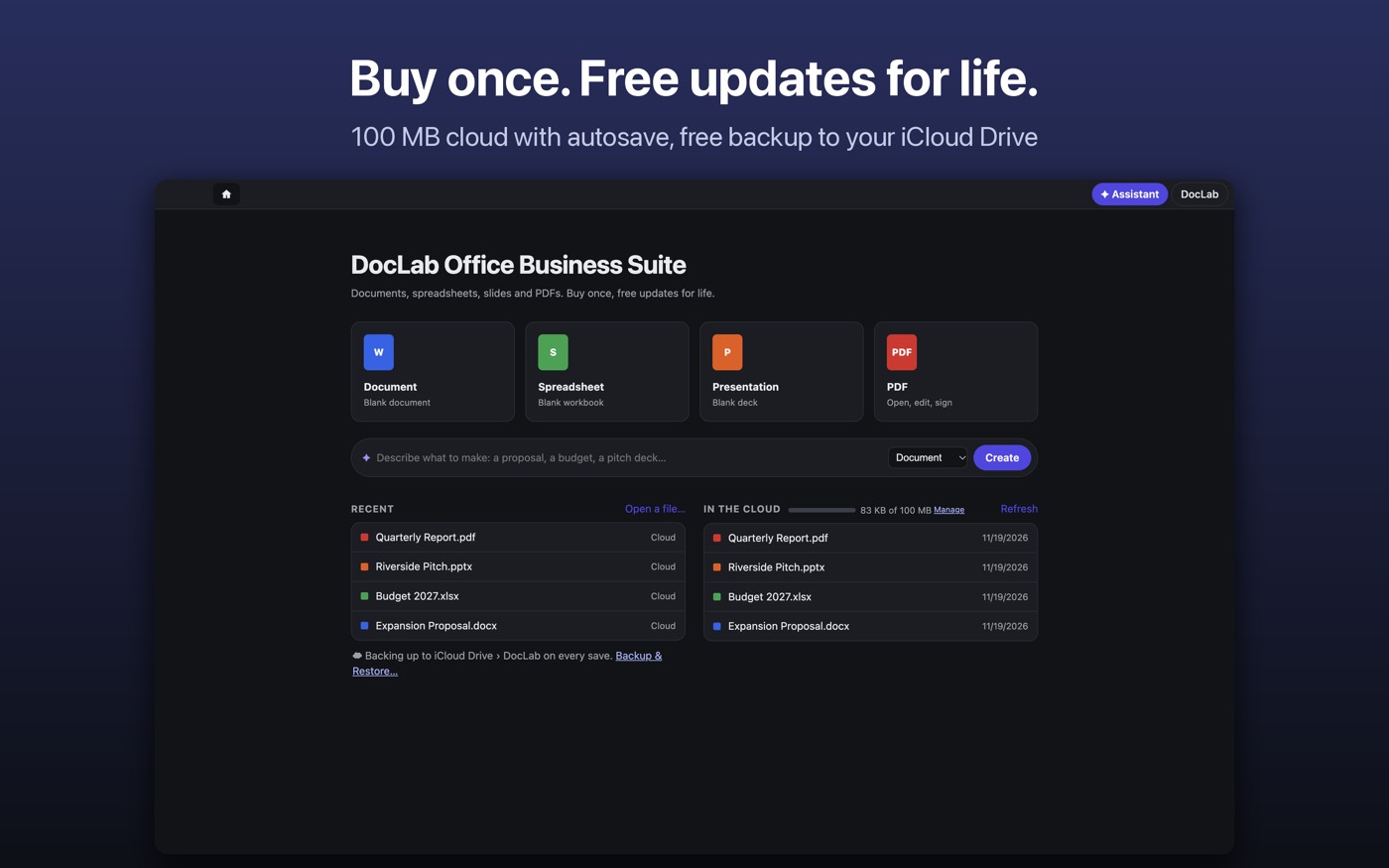
Write, Sheets, Slides and PDF in one app, for your Mac and the web. $24.99 one time, a lifetime licence and free updates. No subscription for the apps.
Buy once, free updates for life.
Tabs and a home screen for everything you are working on. These are screenshots of the real app.
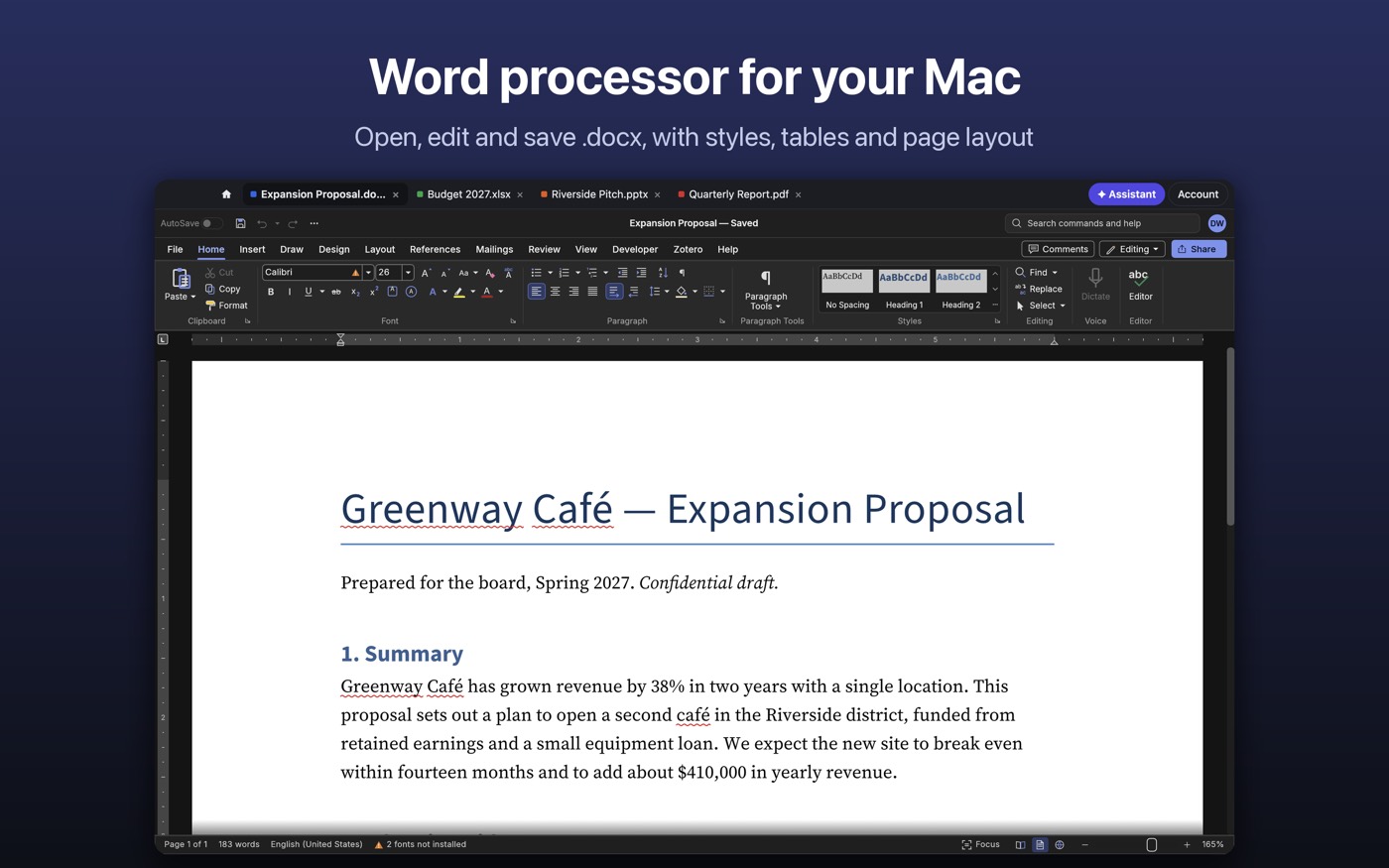
A word processor: styles, tables, images, page layout, headers and footers. Opens and saves .docx; reads .doc, .odt, .rtf, Markdown and text; exports PDF.
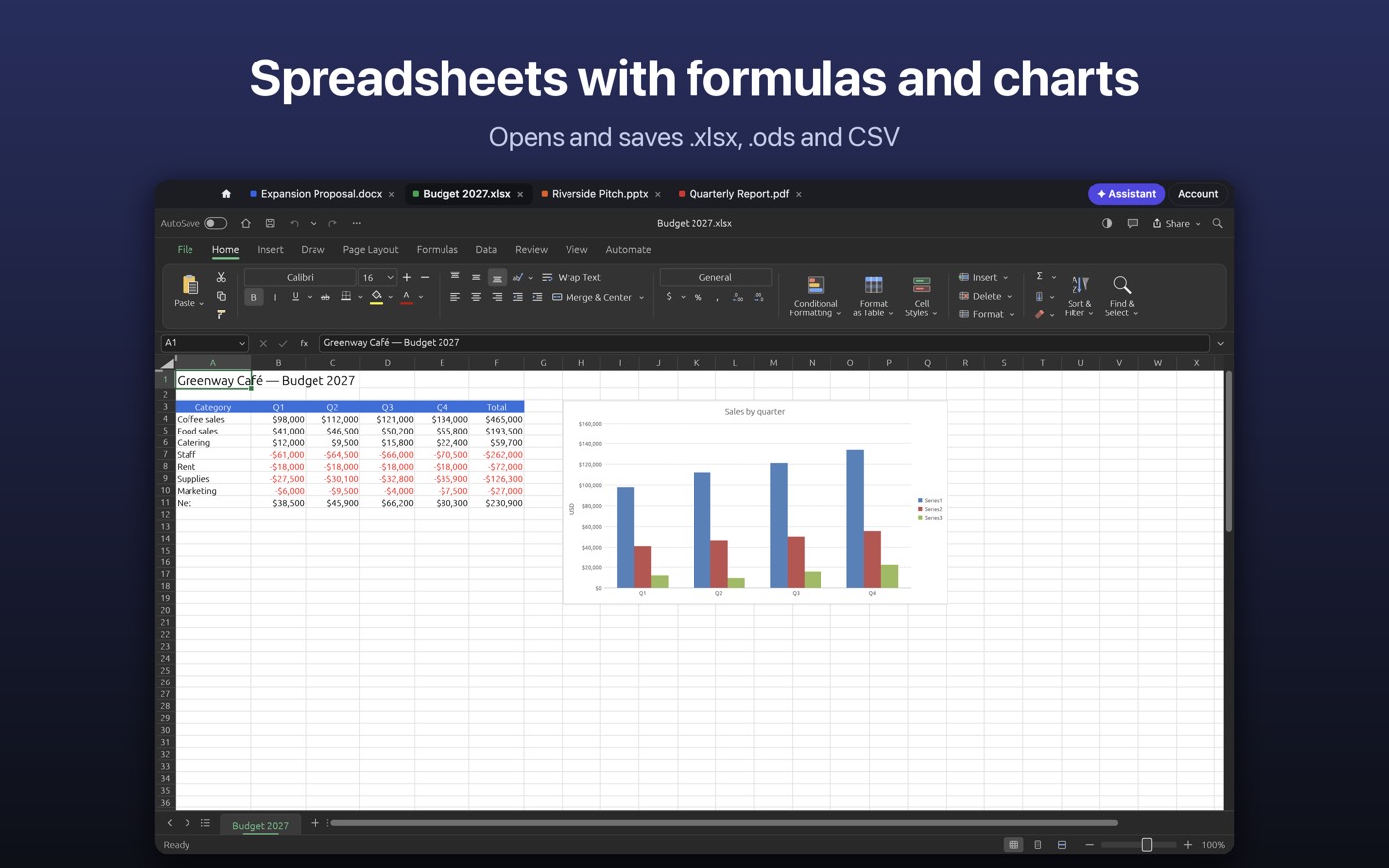
A spreadsheet: formulas and functions, charts, sparklines, conditional formatting, sorting and filters. Opens and saves .xlsx; reads .xls, .ods, CSV and TSV.
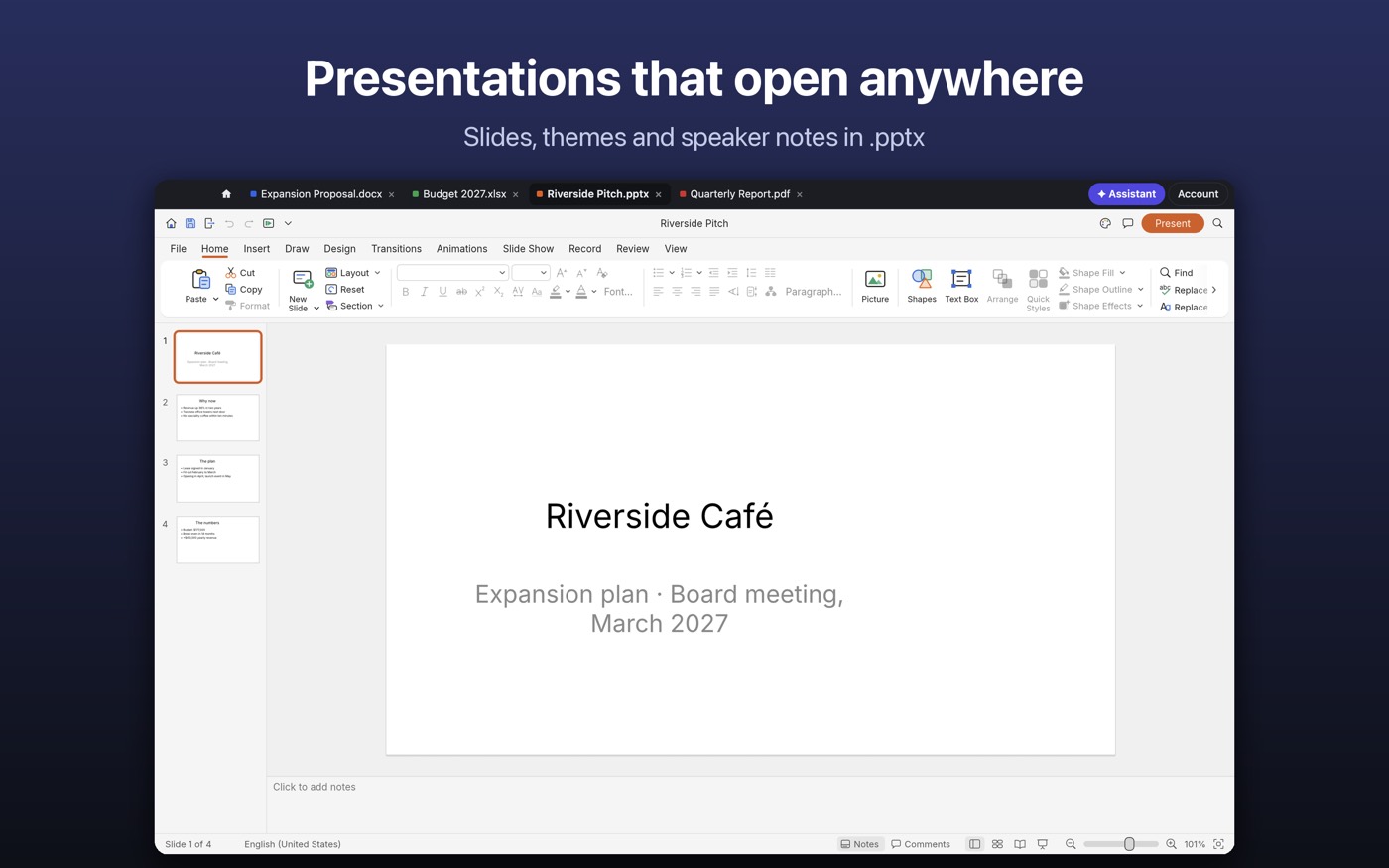
Presentations: layouts, themes, shapes, images and speaker notes. Opens and saves .pptx and .odp; exports PDF.
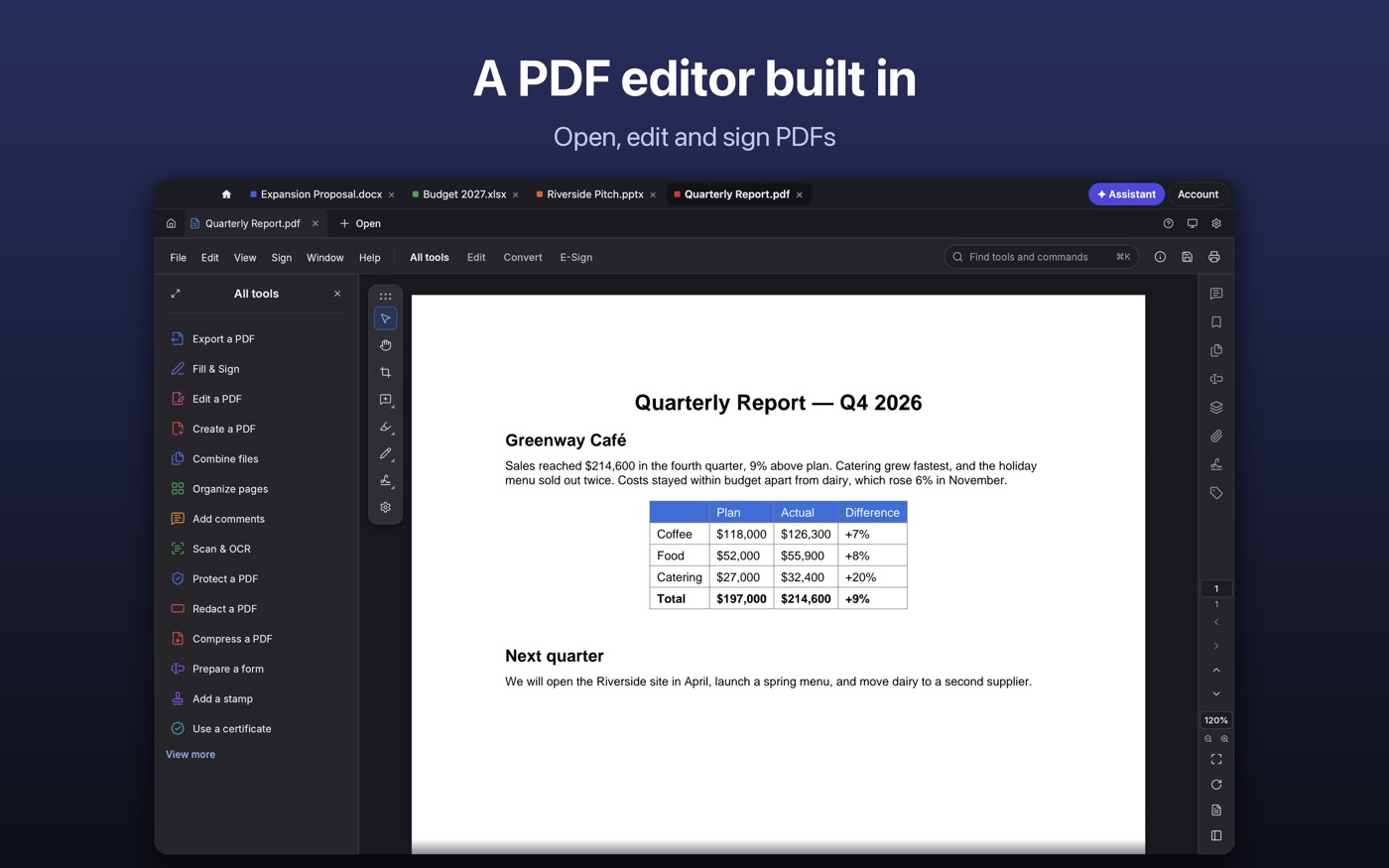
Open, read, edit and sign PDF files; export pages as images or text.
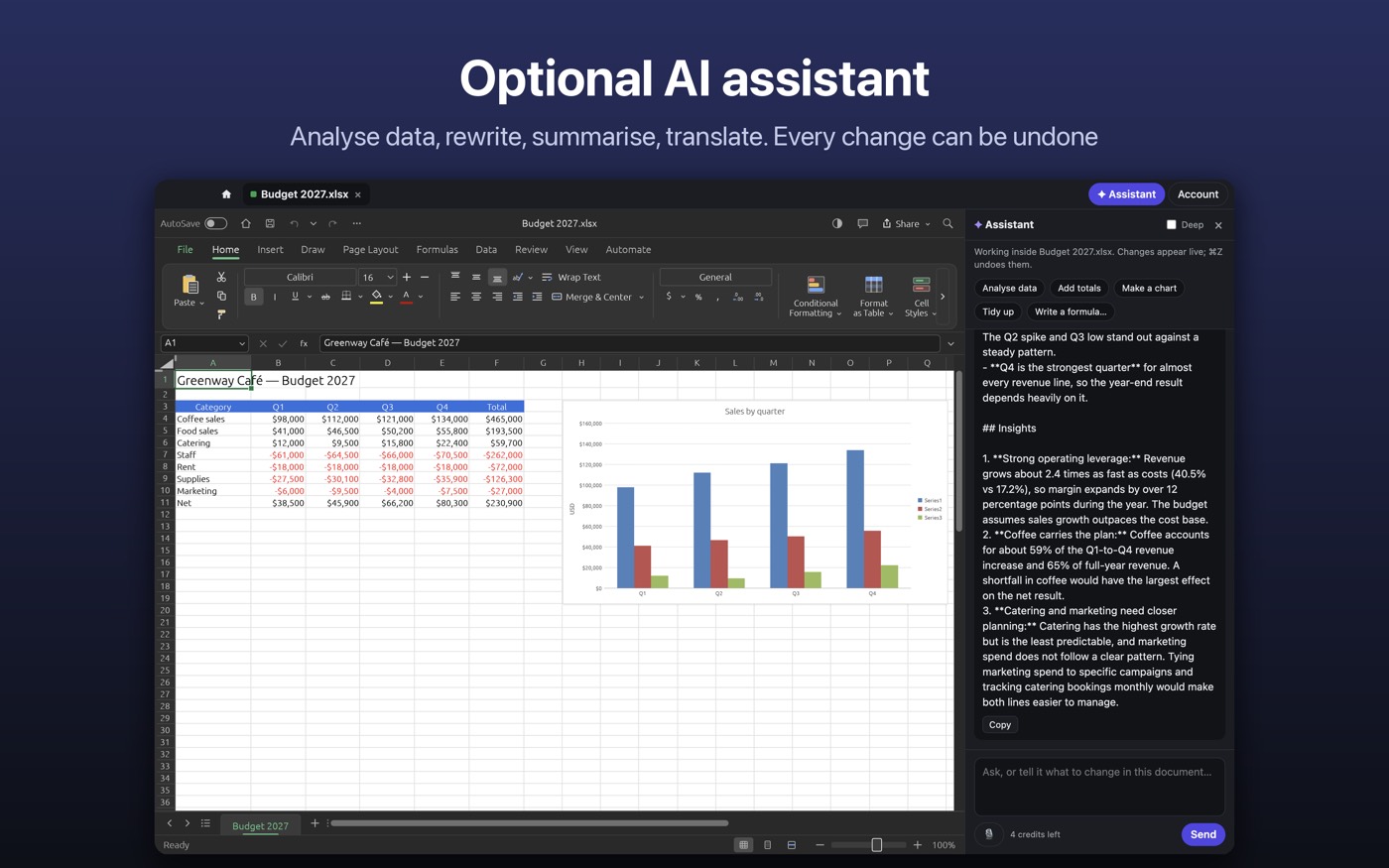
The assistant works inside your documents: summarise, rewrite, translate, write formulas, draft a whole document, workbook or deck from a prompt. Every change can be undone. Your documents are never used to train AI models.
Ready-made documents, spreadsheets and decks, in your DocLab from day one.
Business PlanBusiness
Annual BudgetFinance
Brand PresentationMarketing
Employee HandbookHR
Issue RegisterProjects
Career PresentationPersonal
A few of the included templates. Every template opens as an editable file you can make your own.
Prices in US dollars.
One purchase gives you a DocLab account that works on the web, and the same account signs in on the Mac.
In plain words, without numbers that change. Check each provider for its current terms.
| DocLab | Microsoft 365 | Google Docs | Apple Pages | |
|---|---|---|---|---|
| How you pay | One time, free updates | A subscription | Free with a Google account | Free with Apple devices |
| Where it runs | Mac and the web | Apps and the web | In the browser | Apple devices |
| Your files | On your Mac, plus a free copy in your own iCloud Drive or Google Drive | Mostly in Microsoft’s cloud | In Google’s cloud | On your device or iCloud |
| Bigger platform (email, calendar, team tools) | No: just the four apps | Yes | Yes, with Google Workspace | No |
Product names belong to their owners. Microsoft 365 and Google are larger platforms; DocLab is for people who want the apps and no monthly bill.
Yes. DocLab is $24.99 once, with a lifetime licence and free updates. AI and the larger web cloud are optional monthly add-ons you can skip.
No. The editors, the free cloud and the free AI credits come with the purchase.
Both. The Mac App Store app is coming soon; the web edition is available now. Sign in with the same account.
On your Mac or in your browser. Sign in and open documents autosave to your 100 MB DocLab cloud, and you can back up to your own iCloud Drive (Mac) or Google Drive (web) for free.
Word, Excel and PowerPoint files (.docx, .xlsx, .pptx), OpenDocument, RTF, CSV, Markdown and PDF.
Not yet.
Write to sary@sidevworks.com. We answer within two working days.